FFmpeg as a Video API: Encoding, Batch Jobs and Audio
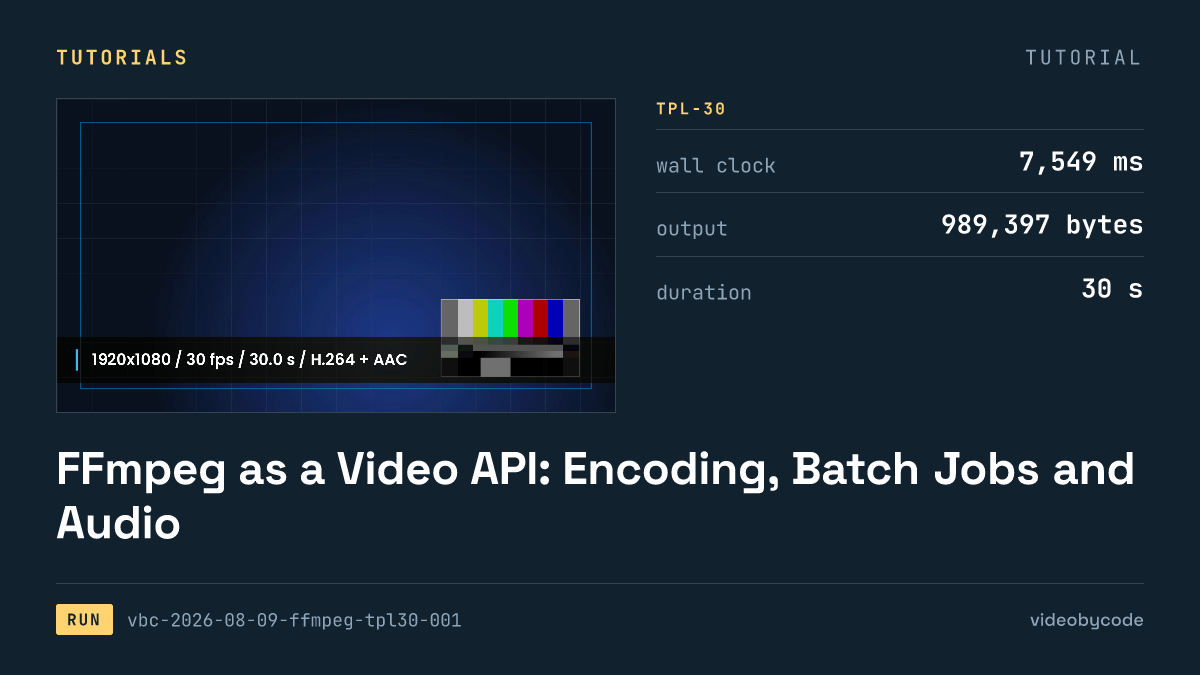
A single ffmpeg invocation turns TPL-30's three scenes into one H.264 file, finishing in 7.5 s on a build with no drawtext filter available.
The shortest path that works
One ffmpeg process, run once against a single filter graph, turns a JSON-shaped list of scenes into a finished 1920x1080 MP4 at 30 fps, with no rendering server or job queue involved and no GPU acceleration. The run recorded here finished in 7.5 s and wrote a 0.99 MB file. No API key or billing dashboard applies here: ffmpeg is a binary that was already installed on the machine that ran it.
ffmpeg here works as a video API needs to: a command that takes structured input (still images, pre-rendered text layers, audio) and returns a container file with defined codecs. The scenes are gated inside a single filter graph with enable expressions rather than encoded as separate clips and concatenated afterward, which avoids a re-encode at the join and keeps the job to a single ffmpeg invocation from start to finish.
This is a template-fill job, not a general "convert any video" task, and that distinction bounds what the numbers here generalise to. The benchmark (TPL-30) defines the whole input: a title card, a still-image body with a caption bar, and an outro, composited across 30 s at 30 fps. That input assumes ffmpeg 8.0.1 built without libfreetype, a build that forced two separate failures before the render produced a clean file.
Versions and prerequisites
The run used ffmpeg 8.0.1, built by Homebrew for arm64, linked against libx264 for video and the built-in AAC encoder for audio. The same binary was compiled without libfreetype. That detail decides how text reaches the frame, and it is not a footnote. A build without libfreetype has no drawtext filter registered at all, so a script that assumes drawtext exists fails at filter-graph construction before a single frame renders. ffmpeg reports the filter as unknown; it does not warn and fall back to something else.
The workaround applied here, and applied the same way across every tool this benchmark exercises, is to render the three text strings once as transparent 1920x1080 PNGs ahead of time and composite those PNGs onto the canvas with overlay instead of asking ffmpeg to shape glyphs. _assets/generate.sh produces text-title.png, text-overlay.png, and text-outro.png before the timed run starts, so that rasterisation work sits outside the 7.5 s figure entirely. A build of ffmpeg with libfreetype linked in, which is how most Linux distribution packages ship it, would let drawtext render text directly inside the same process, and that would fold glyph shaping into the measured wall time. A comparison against a tool that draws text natively has to say which side of that line its own number falls on, because the two are not measuring the same work.
Beyond the ffmpeg binary itself, the job needs a handful of input files sitting on local disk: a background still image, the three rasterised text PNGs, and an audio bed sized to the full 30 s timeline. No network call happens during the render, and no account tier or usage quota applies beyond the ffmpeg licence itself, which does not distinguish between a personal script and a production pipeline running the same command on a schedule.
Reproducing this run needs the exact versions written down, not just "ffmpeg installed." ffmpeg -version on the target machine should report 8.0.1 with --enable-libx264 and without --enable-libfreetype if the intent is to match this run's code path rather than a native-text one. If a rerun on different hardware lands far from 7.5 s, the CPU generation and the preset value in the encode command are the first two places to look, ahead of the ffmpeg version itself, because preset medium trades encode speed against compression efficiency in a way that shows up directly in wall time.
Homebrew's default ffmpeg formula on macOS pulls in a large set of optional libraries, and which ones land in a given install depends on what was already on the system when brew install ffmpeg last ran, not on a fixed manifest. Two machines that both report ffmpeg 8.0.1 from brew list --versions can still differ on --enable-libfreetype, --enable-fontconfig, or which hardware encoders are compiled in, because Homebrew links against whatever dependency versions were present at build time. ffmpeg -buildconf prints the configure flags a given build used; that output, not the version string alone, decides whether drawtext is available on a specific machine.
The code that produced the output
The run executed the script below verbatim; it was not simplified for readability. It builds one filter graph spanning all three scenes: the title runs from 0 s to 5 s, the body from 5 s to 25 s, and the outro from 25 s to 30 s, each one gated on or off with an enable expression rather than clipped and concatenated as separate encodes.
#!/usr/bin/env bash
# BM-1 (TPL-30) expressed as a single ffmpeg invocation.
#
# This is the payload, not the runner. tools/ffmpeg/run.mjs executes this script,
# times it, and measures the result. Run it directly if you just want the file:
#
#   OUT=/tmp/out.mp4 bash payloads/tpl30/ffmpeg.sh
#
# Every constant below is transcribed from bm1.json. If the two disagree, bm1.json wins.
#
# Structure: one 30 s background canvas with the three scenes switched on and off by
# `enable` expressions, rather than three encodes plus a concat. Single-pass keeps the
# measured time to one encode, which is what the benchmark is asking about.

set -euo pipefail

HERE="$(cd "$(dirname "$0")" && pwd)"
ASSETS="${ASSETS:-${HERE}/_assets}"
OUT="${OUT:-${HERE}/out.mp4}"
FFMPEG="${FFMPEG:-ffmpeg}"

"${FFMPEG}" -hide_banner -nostdin -y -loglevel warning \
  -f lavfi -i "color=c=0x0B1220:s=1920x1080:r=30:d=30" \
  -loop 1 -i "${ASSETS}/still-1920x1080.jpg" \
  -loop 1 -i "${ASSETS}/text-title.png" \
  -loop 1 -i "${ASSETS}/text-overlay.png" \
  -loop 1 -i "${ASSETS}/text-outro.png" \
  -i "${ASSETS}/bgm-30s.wav" \
  -filter_complex "\
[1:v]scale=1920:1080:force_original_aspect_ratio=increase,crop=1920:1080[img];\
[0:v][img]overlay=0:0:enable='gte(t,5)*lt(t,25)'[v1];\
[v1]drawbox=x=0:y=820:w=1920:h=160:[email protected]:t=fill:enable='gte(t,5)*lt(t,25)'[v2];\
[v2]drawbox=x=760:y=700:w=400:h=6:color=0x38BDF8:t=fill:enable='lt(t,5)'[v3];\
[v3][2:v]overlay=0:0:enable='lt(t,5)'[v4];\
[v4][3:v]overlay=0:0:enable='gte(t,5)*lt(t,25)'[v5];\
[v5][4:v]overlay=0:0:enable='gte(t,25)'[vout]" \
  -map "[vout]" -map 5:a \
  -c:v libx264 -preset medium -crf 20 -pix_fmt yuv420p -r 30 \
  -c:a aac -b:a 192k -ar 48000 -ac 2 \
  -movflags +faststart \
  -t 30 \
  "${OUT}"
Nothing in this script reaches out to a network service, and nothing in it depends on a rendering farm or a persistent worker process. Every input is a local file, and the sole external dependency is the ffmpeg binary itself resolving on PATH. Turning this into a batch job means wrapping a loop or a job queue around this exact invocation, not rewriting the invocation itself. The property that makes ffmpeg usable as a video API is a stable command with variable inputs and predictable output, not a server that stays running between jobs.
For a directory of jobs, one manifest per output file, the pattern that preserves this shape is a plain loop calling the same script the run used, with the manifest supplying the variables (illustrative, not the benchmark payload):
for job in jobs/*.json; do
  still=$(jq -r '.still' "$job")
  out="out/$(basename "$job" .json).mp4"
  STILL="$still" OUT="$out" ./ffmpeg.sh
done
That loop does not require rewriting the filter graph for every job. It wraps around whatever input paths the script already expects, so each iteration changes only which files feed a given render. A script that hardcodes its input paths needs a manual edit per job, which turns a batch into a series of one-off edits instead of a loop over a manifest.
This benchmark did not run that loop. No run in this record covers a directory of manifests processed in sequence or in parallel, so wall time per job under shared disk I/O or shared CPU cores is not something this record can put a number on. Anyone planning capacity around a batch of these jobs needs a run of their own before that plan has anything to stand on.
What the run produced
The finished file plays back at 30 fps, runs 30.000 s, and weighs 0.99 MB on disk, a figure read directly from ffprobe 8.0.1 rather than taken from ffmpeg's own encoder log line. The full process, from filter graph setup through the final container write, took 7.5 s. That is wall-clock time for the entire ffmpeg invocation, not an isolated encode loop, so process startup, input decoding, and filter graph construction all sit inside that single figure.
| Property | Value |
|---|---|
| Container | mp4 |
| Video codec | H.264 |
| Audio codec | AAC |
| CRF | 20 |
| Audio bitrate | 192 kbps |
| Audio sample rate | 48000 |
| Resolution | 1920x1080 |
| Frame rate | 30 fps |
| Duration | 30.000 s |
| File size | 0.99 MB |
| Wall time | 7.5 s |
SourceTPL-30 benchmark definition and run vbc-2026-08-09-ffmpeg-tpl30-001, measured 2026-08-09
That file size sits smaller than a moving-footage clip at the same resolution and CRF would produce, because most of the frame count in this benchmark is a still image plus a caption bar rather than continuously changing pixels. H.264 spends far fewer bits per frame holding a mostly-static scene steady than it spends tracking motion. A benchmark built from handheld or panning footage instead of a still-plus-overlay body would not land at 0.99 MB at the same CRF; nothing in this record measures that case.
Cost for this run is $0, confirmed against the FFmpeg legal terms page, checked 2026-08-09. The licence carries no per-render or per-minute charge at any volume, and it makes no distinction between a script run once and the same script run on a schedule. What that line omits is the CPU time itself and whatever machine runs it. That is a real cost, and the ffmpeg project publishes no figure for it, because it depends entirely on where the job runs.
What breaks, and how to get past it
The first failure a script like this one hits on a stock Homebrew ffmpeg build is drawtext refusing to exist. Add a drawtext filter, documented in the FFmpeg Filters reference, to the graph, and on this build ffmpeg exits before writing a frame: the filter is absent from the list ffmpeg -filters returns, not present but misconfigured. The fix that produced 7.5 s rasterises text once, outside the timed path, and composites it as an image with overlay instead of asking ffmpeg to shape glyphs at render time. Switching to a libfreetype-enabled build removes this failure but changes what the wall-clock figure includes, since native text shaping would then run inside the timed process rather than ahead of it.
Concat is the second trap, and this job avoids it by design rather than by accident. Feeding three separately-encoded clips into ffmpeg's concat demuxer only works cleanly when every clip shares codec, resolution, timebase, and pixel format. The moment one scene's settings drift from the others, whether that is a different CRF or a resolution mismatch inherited from a differently sized source image, concat either refuses the join outright or produces a file with a visible stutter at the seam. That single filter graph sidesteps this whole class of failure by gating each scene's visibility with enable expressions across one continuous 30 s timeline, so there is one encode pass and no seam for concat to get wrong.
Audio is where batch jobs tend to degrade quietly rather than fail loudly. ffmpeg muxes this benchmark's single bed-file audio track straight through at 192 kbps and 48000, with no normalization pass applied: output loudness matches whatever the source file already measured before the run started. A batch of clips assembled from different source recordings will not share loudness the way this single-asset run does; mixing them into one feed or one playlist without a normalization step produces a feed where volume jumps between clips. FFmpeg's own fix for that is the loudnorm filter, run as a first pass to measure integrated loudness and a second pass to apply the correction. No run in this record executes that filter, so its wall-time cost and its effect on output size stay unmeasured rather than estimated.
Silent truncation is a smaller, recurring failure mode: an enable expression with a typo in its time bound does not raise an error, it just renders an empty frame range or an extra one, and the file still encodes and still plays. Checking scene boundaries against the source timeline (here, 0 s through 30 s) after a render, rather than trusting that the command exited zero, is the only check that catches this class of bug.
A batch runner that calls the script above repeatedly also needs to handle ffmpeg's default overwrite behaviour. Without a -y or -n flag, ffmpeg stops and waits on stdin the moment it finds an existing file at the output path, which looks like a hang rather than a prompt when the process runs unattended inside a queue. A batch wrapper needs -y set explicitly in the payload script itself, not assumed from the shell that calls it, and it needs the script's own exit code checked after each call. ffmpeg can write a partial file and still exit non-zero on a decode error partway through the source assets, and a wrapper that only checks for the output file's existence will treat that partial file as a finished job.
A libfreetype-less ffmpeg build fails a drawtext filter at graph construction, before any frame renders, with no fallback. Run ffmpeg -filters | grep drawtext on the target machine before scripting text overlays; an empty result means every text string needs pre-rasterising or a different ffmpeg build before the script will run at all.
Start from the same script structure used here: a shell loop that calls ffmpeg once per manifest entry, with CRF, preset, and resolution set as flags instead of hardcoded values. The first break is usually a missing -y flag, which stops the loop cold on the first file that already exists instead of overwriting it. From there, swap in loudnorm or a hardware encoder such as VideoToolbox and rerun the same manifest to see what changes on that machine.
What we didn't test
- The table above reflects a single run of one script; ffmpeg's wall time and output size were never checked against another rendering tool.
- Visual fidelity between pre-rasterised text and native
drawtextoutput was never measured for font hinting or anti-aliasing differences. - Concurrency was never tested: running a directory of manifests in sequence or in parallel would need its own timed run before anyone can plan disk contention or per-job cost around it.
loudnormnever ran, so its two-pass timing and its effect on file size and mismatched source loudness stay unmeasured.- CRF, preset, resolution, and hardware-accelerated encoding through VideoToolbox or NVENC were held fixed, so none of those variants has a run attached to it.
Questions people ask
How long did the recorded TPL-30 render take, and on what machine?
The recorded run finished in 7.5 s using ffmpeg 8.0.1 (libx264, aac) on an arm64 Homebrew build without libfreetype. That figure is wall-clock time for the whole process, not just the encode step, and it excludes text rendering because the three text layers are pre-rasterised PNGs rather than drawtext calls.
What does FFmpeg's free tier cover, and where does it stop?
FFmpeg's self-hosted licence costs $0 at any volume, confirmed on the FFmpeg legal terms page checked 2026-08-09. The licence covers the software only; it says nothing about the compute cost of running it, and codec patent licensing is a separate matter from the LGPL/GPL terms.
Can ffmpeg work as a video API instead of a hosted rendering service?
Yes, in the sense that a single ffmpeg command reads structured inputs, such as images, pre-rendered text layers, and audio, and returns a defined output file, which is what the run recorded here did in 7.5 s. It is not a hosted API: there is no endpoint or queue, and no account tier, so wrapping ffmpeg in a batch runner or job queue is work a pipeline still has to build itself.
References
Ref FFmpeg Legal (checked 2026-08-09)
Ref FFmpeg Filters Documentation (checked 2026-08-09)
Related articles
Automating Video Editing With Python: MoviePy and FFmpeg
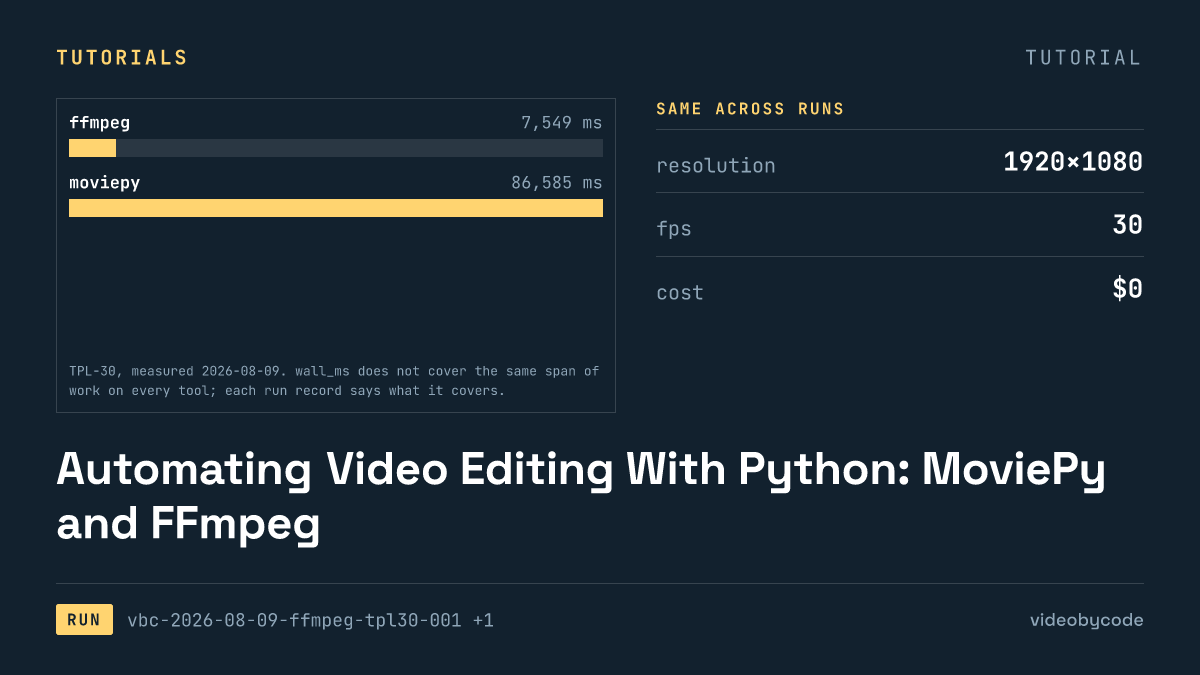
FFmpeg and MoviePy render the same 1920×1080 TPL-30 template; the code, exact versions, and measured render time and output size are given below.
How to Create Video With Code: A Working Pipeline End to End
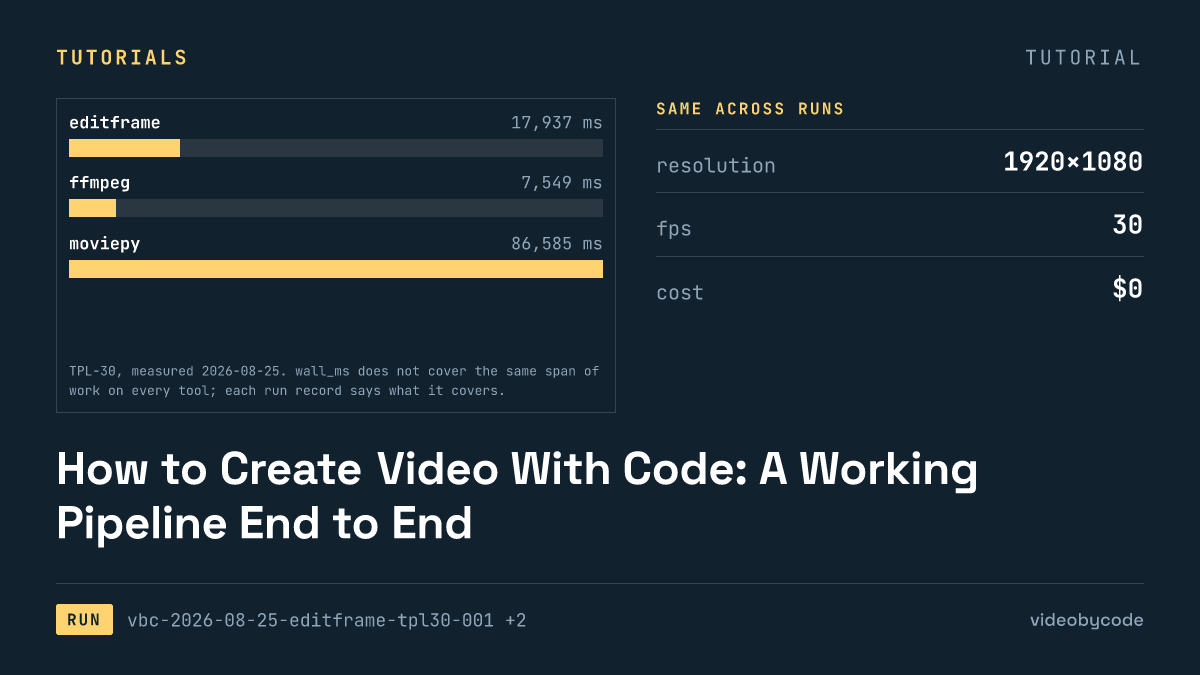
Editframe, FFmpeg, MoviePy and Remotion render the same TPL-30 template; render time, output size and cost are compared with linked evidence, not vendor claims.
Open-Source Video Editing APIs and SDKs, Installed and Tested
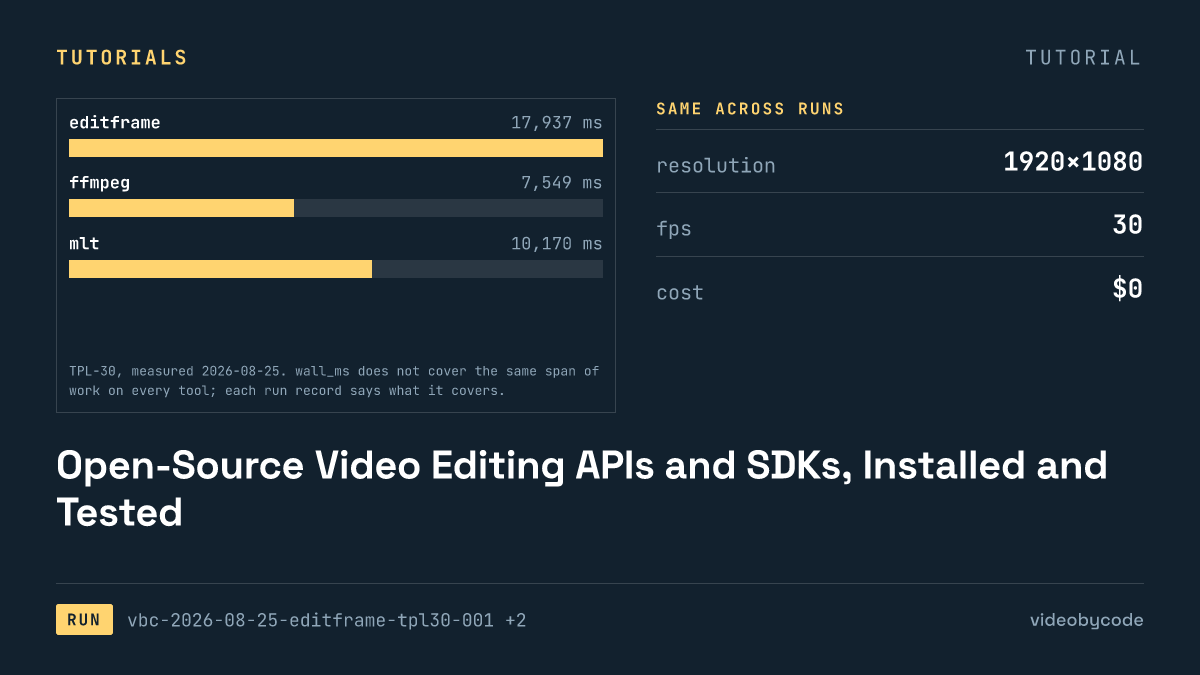
The test installed eight video editing APIs and SDKs, seven of them open source, and rendered each against one fixed benchmark, logging wall time and file size.
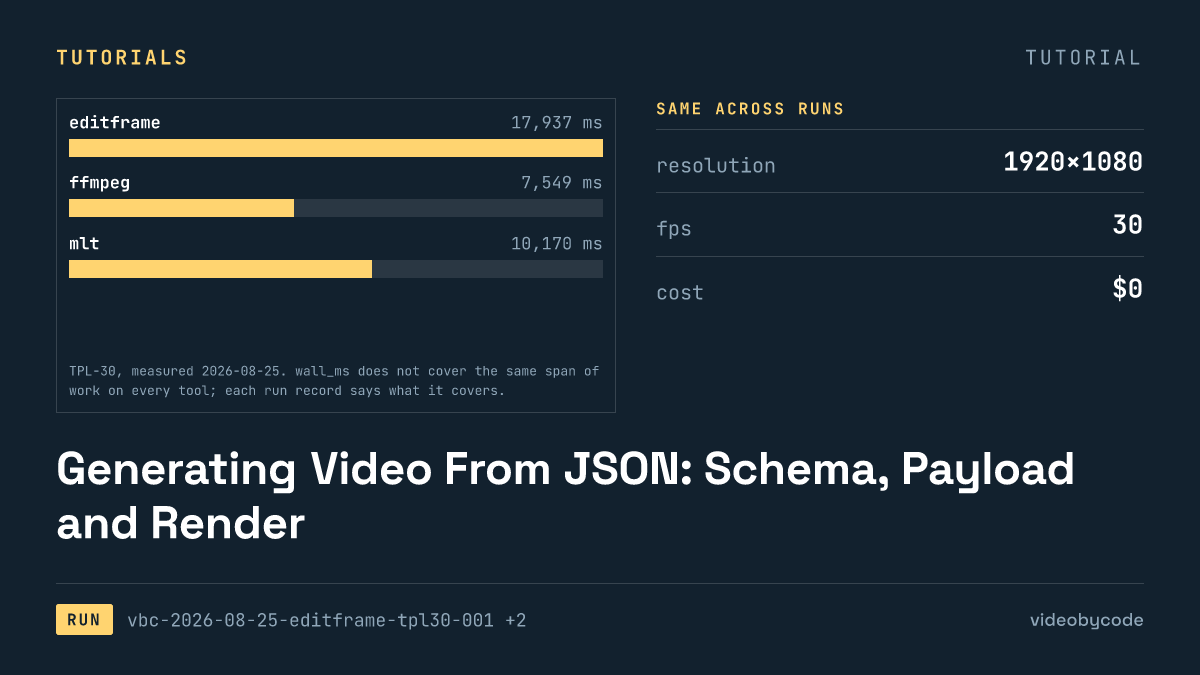
Generating Video From JSON: Schema, Payload and Render
Eight rendering tools ran the same JSON scene payload; this compares what rendered, what failed, and what each tool costs to run in production.
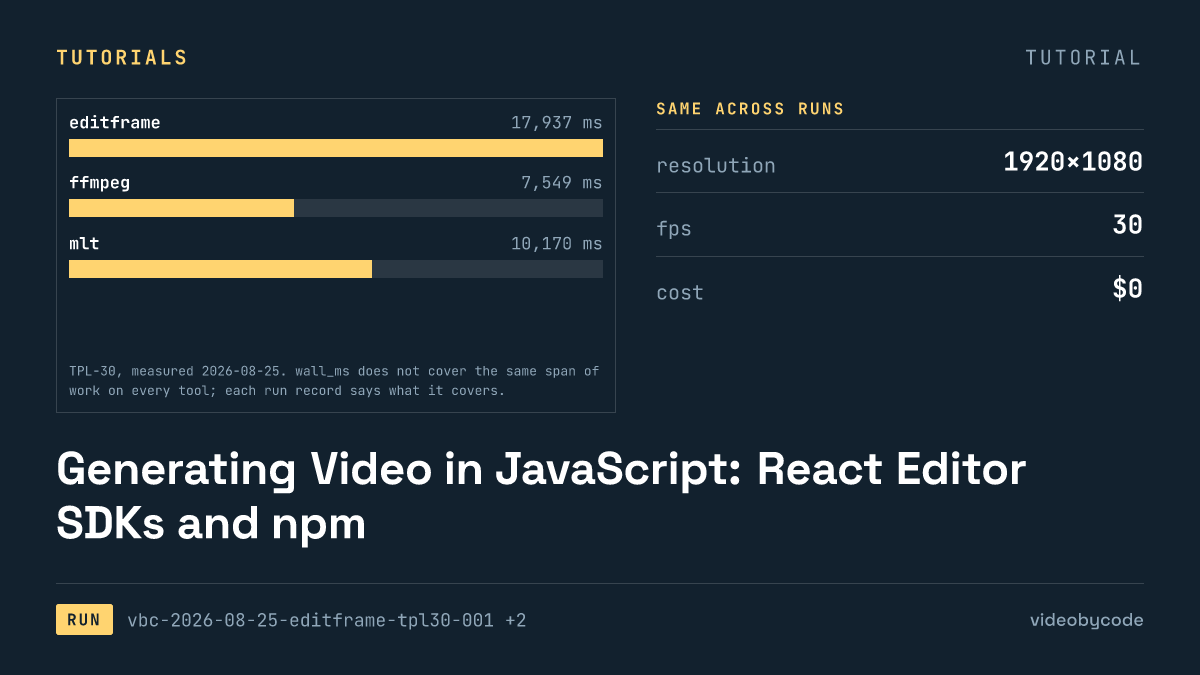
Generating Video in JavaScript: React Editor SDKs and npm
Editframe, Remotion, and Revideo rendered the same Node.js video benchmark; Diffusion Studio Core watermarked its output and Editly failed to import.
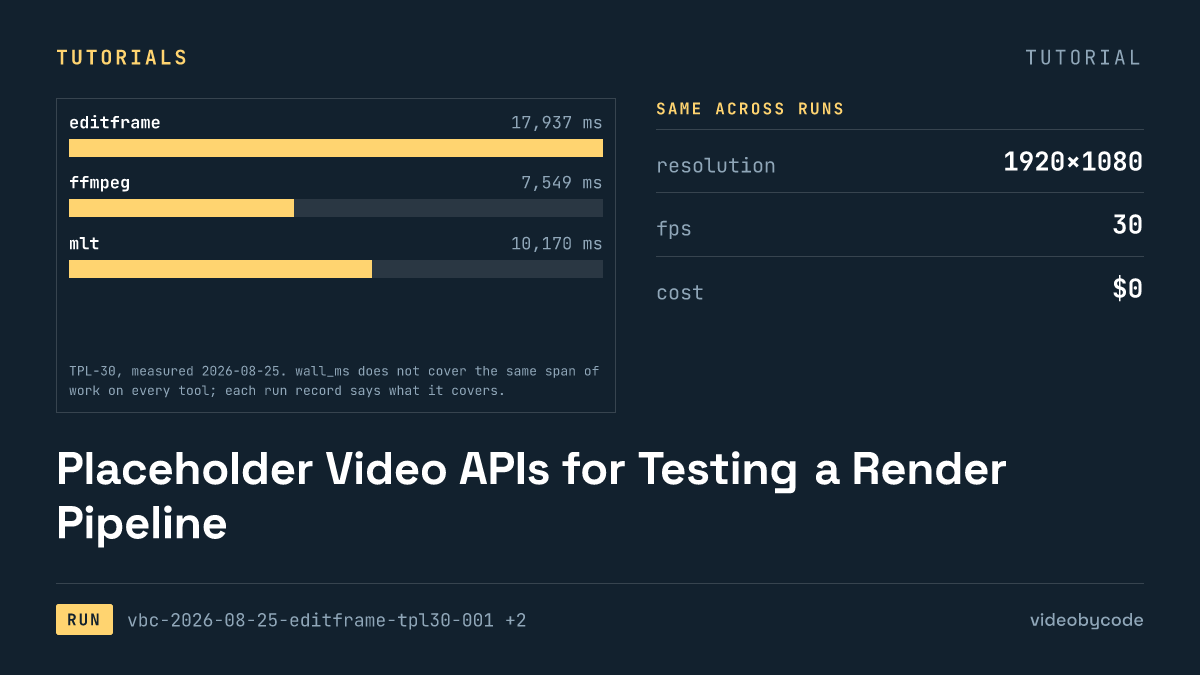
Placeholder Video APIs for Testing a Render Pipeline
Eight video rendering tools run the same TPL-30 payload end to end: one free tier adds a watermark, one fails to import, and none share a cost basis.