Open-Source Video Editing APIs and SDKs, Installed and Tested
Six of eight renderers, seven of them open source, produced a playable file from the same benchmark; two failed outright, one behind a watermark and one on a missing native dependency.
The shortest path that works
"Video editing API open source" resolves to one practical question: which library takes a folder of assets and a spec and hands back a finished MP4, with no subscription and no cloud endpoint. We installed eight candidates and pointed each at the same fixed benchmark, TPL-30: a template fill running from 0 s to 30 s, built from a title card, a captioned still image and an outro card, encoded to 1920×1080 h264 + aac. Two of the eight did not produce a usable file. Diffusion Studio Core rendered the composition correctly but stamped a vendor watermark on every frame, so the run carries the status unsupported rather than ok. Editly never reached the render step; its native dependencies failed to load, and the run carries the status error. The other six tools, FFmpeg, MoviePy, MLT, Editframe, Remotion and Revideo, each wrote a file that ffprobe could open and measure.
Of those six, the shortest path from a clean checkout to a playable file is the Editframe CLI. Installing @editframe/cli and @editframe/elements pulls no native module that needs compiling against local Node headers, unlike Editly's dependency on gl and canvas. The render needs no account and no API key on the free tier; it drives a local copy of Chrome through Playwright and writes the output straight to disk. That run finished in 17.9 s and produced a 1.46 MB file.
Shortest here means fewest install steps, not fastest wall clock. FFmpeg alone is faster end to end and needs no browser, but it means writing the entire filter graph by hand, gating three scenes with enable expressions on a single 30 s canvas. MoviePy is pure Python with no native build step either, but its interpreter start, composition and encode add up to the longest wall time in this set. MLT needs melt installed as a system package before any script runs. Diffusion Studio Core needs a server that sends Cross-Origin-Opener-Policy: same-origin and Cross-Origin-Embedder-Policy: credentialless. That rules out dropping it onto an ordinary static host unchanged, and even then the output is not the benchmark file, because of the watermark. Editframe is the tool where npm install and one CLI invocation are the whole story.
Which of these six is the right starting point depends on what a project already runs. A team with a Node service and no appetite for a browser dependency in production reaches for MLT or FFmpeg, both of which encode in a single local process with no Chrome launch. A team already shipping a browser-rendered composition, for motion graphics or animated captions, is closer to Editframe, Remotion or Revideo than to a CLI-only tool, because the composition logic and the render step share the same runtime. Nothing in this benchmark ranks the six against each other as a single winner; the measurements below exist so a team can choose against numbers instead of a marketing page.
Versions and prerequisites
Every run in this set names its own toolchain, not "latest" or "current". FFmpeg is 8.0.1, built by Homebrew for arm64 and compiled without libfreetype, so its drawtext filter does not exist on the machine that ran these benchmarks. That single missing library shapes every payload here: a shared generate.sh script rasterised the three benchmark strings, the title card, the caption overlay and the outro, once into transparent 1920×1080 PNGs, and all eight tools composite those same PNGs rather than shape type at render time. None of the eight measures text rendering, because none of them does any of it during the timed run.
The browser-driven tools each pin a separate Chrome build. Diffusion Studio Core and Editframe both launch system Google Chrome 152.0.7977.55 through Puppeteer or Playwright. Revideo installs its own Chrome for Testing 152.0.7977.42. Remotion launches the headless Chromium bundled with its CLI. Node is v25.6.1 across every JavaScript and TypeScript tool in the set. MoviePy runs on Python 3.14.3 with numpy 2.5.1 and pillow 11.3.0, and it reports two version strings that disagree: the installed distribution is 2.2.1, while moviepy.__version__ still reads 2.1.2. MLT is melt 7.40.0 linked against libavformat 63.1.101, a system binary rather than a project dependency that a lockfile would pin.
| Tool | Version tested | Status |
|---|---|---|
| Diffusion Studio Core | @diffusionstudio/core 4.0.3, puppeteer-core 25.8.0 | unsupported |
| Editframe | @editframe/cli 0.59.40, @editframe/elements 0.59.40 | ok |
| Editly | editly 0.14.2 | error |
| FFmpeg | 8.0.1 (libx264, aac) | ok |
| MLT | melt 7.40.0 | ok |
| MoviePy | dist 2.2.1 / __version__ 2.1.2 | ok |
| Remotion | remotion 4.0.507, @remotion/cli 4.0.507 | ok |
| Revideo | @revideo/renderer 0.11.0, bundled ffmpeg 4.4 | ok |
Sourcevideobycode verification runs, TPL-30, measured 2026-08-09 and 2026-08-25
Editframe needed the least setup of the six working tools: 17.9 s of wall time, a 1.46 MB output file, and a measured duration of 30.080 s against a benchmark target of 30 s. Setting EF_NO_TELEMETRY=1 stopped the CLI's telemetry POST during the run; without it, the CLI still renders, but it also phones home on every invocation, which matters for anyone building this into a CI pipeline. FFmpeg needs the fewest prerequisites of all eight: a single binary and a shell script, no package manager, no lockfile, no browser.
Two version details are easy to miss. First, Revideo does not use the system FFmpeg on the machine it runs on; @revideo/ffmpeg defaults to the binary bundled by @ffmpeg-installer, which resolved to 4.4 during this run against the 8.0.1 that every other tool in the table encoded with. A codec bug fixed between 4.4 and 8.0.1 will not show up in a Revideo output even if the host machine has a current FFmpeg installed elsewhere on PATH. Second, MoviePy's disagreement between its package version and its __version__ string is not a typo in these records. Pinning a MoviePy dependency by the string the library reports at import time, and pinning it by the version a package manager installed, can point at two different numbers for the same install.
The code that produced the output
The Editframe payload builds a composition object in JavaScript, adds three scenes with their timings, hands each scene the pre-rasterised PNG for its text layer, and calls the CLI's render function. Nothing in it is pseudo-code; it is the exact file the recorded run executed.
/**
 * BM-1 (TPL-30) as an Editframe composition.
 *
 * This is the payload, not the runner. tools/editframe/run.mjs drives
 * `editframe render` over this directory, times it, and measures the result.
 *
 * Every layout number is read from ../bm1.json rather than typed here, for the
 * same reason the ffmpeg, MoviePy and Remotion payloads read it: four
 * transcriptions of one benchmark are only comparable if they cannot drift apart.
 *
 * The text is composited from the same pre-rasterised PNGs the other payloads use
 * (bm1.json -> text_rendering), so no web font is loaded and no text shaping
 * happens inside the measured render.
 *
 * Assets resolve through Vite's publicDir, which tools/editframe/vite.config.mjs
 * points at ../_assets — the same directory every other payload reads. A bare
 * filename is therefore served at the site root, exactly as Remotion's
 * --public-dir=../_assets does.
 */

import '@editframe/elements';
import spec from '../bm1.json';

const V = spec.video;
const PAL = spec.palette;

const sceneById = (id) => spec.scenes.find((s) => s.id === id);
const title = sceneById('title');
const body = sceneById('body');
const outro = sceneById('outro');

/** "_assets/text-title.png" -> "/text-title.png" (served from publicDir). */
const asset = (p) => `/${String(p).replace(/^_assets\//, '')}`;

const seconds = (from, to) => `${to - from}s`;

/**
 * An ef-image has no natural duration, so it defaults to 0 and never becomes
 * active. Editframe calls this the editorial choice: a still has to be told how
 * long it is on screen. Each image is given its own scene's length.
 */
const imageDuration = (scene) => seconds(scene.start_s, scene.end_s);

const FILL = 'position:absolute;left:0;top:0;width:100%;height:100%;';
const SCENE = `${FILL}`;

const rule = title.accent_rule;
const bar = body.bar;

document.getElementById('stage').innerHTML = `
  <ef-timegroup
    id="root"
    mode="contain"
    fps="${V.fps}"
    style="position:relative;display:block;width:${V.width}px;height:${V.height}px;background:${PAL.background};overflow:hidden"
  >
    <ef-timegroup mode="sequence" style="${FILL}">

      <!-- Scene 1 — title card -->
      <ef-timegroup mode="fixed" duration="${seconds(title.start_s, title.end_s)}"
        style="${SCENE}background:${title.background};">
        <div style="position:absolute;left:${rule.x}px;top:${rule.y}px;width:${rule.w}px;height:${rule.h}px;background:${rule.color};"></div>
        <ef-image src="${asset(title.text_png)}" duration="${imageDuration(title)}" style="${FILL}object-fit:contain;"></ef-image>
      </ef-timegroup>

      <!-- Scene 2 — still image, caption bar, caption -->
      <ef-timegroup mode="fixed" duration="${seconds(body.start_s, body.end_s)}" style="${SCENE}">
        <ef-image src="${asset(body.image)}" duration="${imageDuration(body)}" style="${FILL}object-fit:${body.image_fit};"></ef-image>
        <div style="position:absolute;left:${bar.x}px;top:${bar.y}px;width:${bar.w}px;height:${bar.h}px;background:${bar.color};opacity:${bar.opacity};"></div>
        <ef-image src="${asset(body.text_png)}" duration="${imageDuration(body)}" style="${FILL}object-fit:contain;"></ef-image>
      </ef-timegroup>

      <!-- Scene 3 — outro -->
      <ef-timegroup mode="fixed" duration="${seconds(outro.start_s, outro.end_s)}"
        style="${SCENE}background:${outro.background};">
        <ef-image src="${asset(outro.text_png)}" duration="${imageDuration(outro)}" style="${FILL}object-fit:contain;"></ef-image>
      </ef-timegroup>

    </ef-timegroup>

    <!-- The music bed is a sibling of the sequence, never a child of it: a
         sequence would treat it as one more beat and double the runtime. -->
    <ef-audio src="${asset(spec.audio.file)}" volume="1" duration="${V.duration_s}s" offset="${spec.audio.start_s}"></ef-audio>
  </ef-timegroup>
`;
Each scene entry carries an explicit start time, an end time and a duration for every element placed on it. That last field matters more than it looks: an element with no duration set defaults to zero on this CLI, which is silent and does not fail the render, only skips drawing the element (see the next section). Adapting this file to a different set of assets means changing the src paths, the scene boundaries and the caption bar's opacity and y position, all plain fields on the composition object, not CLI flags. Nothing about the text layers changes: they stay pre-rasterised PNGs here, because the render machine's FFmpeg build has no drawtext filter to fall back on. Editframe never shapes type at render time, so the workaround costs nothing extra here.
FFmpeg takes a different shape: no composition object, one ffmpeg invocation with a filter graph that gates three inputs by time using enable='between(t,...)' expressions, rather than encoding three clips and concatenating them. That single-pass design is why its wall time undercuts every browser-driven tool in this set even though it runs entirely on the CPU with no GPU compositing.
#!/usr/bin/env bash
# BM-1 (TPL-30) expressed as a single ffmpeg invocation.
#
# This is the payload, not the runner. tools/ffmpeg/run.mjs executes this script,
# times it, and measures the result. Run it directly if you just want the file:
#
#   OUT=/tmp/out.mp4 bash payloads/tpl30/ffmpeg.sh
#
# Every constant below is transcribed from bm1.json. If the two disagree, bm1.json wins.
#
# Structure: one 30 s background canvas with the three scenes switched on and off by
# `enable` expressions, rather than three encodes plus a concat. Single-pass keeps the
# measured time to one encode, which is what the benchmark is asking about.

set -euo pipefail

HERE="$(cd "$(dirname "$0")" && pwd)"
ASSETS="${ASSETS:-${HERE}/_assets}"
OUT="${OUT:-${HERE}/out.mp4}"
FFMPEG="${FFMPEG:-ffmpeg}"

"${FFMPEG}" -hide_banner -nostdin -y -loglevel warning \
  -f lavfi -i "color=c=0x0B1220:s=1920x1080:r=30:d=30" \
  -loop 1 -i "${ASSETS}/still-1920x1080.jpg" \
  -loop 1 -i "${ASSETS}/text-title.png" \
  -loop 1 -i "${ASSETS}/text-overlay.png" \
  -loop 1 -i "${ASSETS}/text-outro.png" \
  -i "${ASSETS}/bgm-30s.wav" \
  -filter_complex "\
[1:v]scale=1920:1080:force_original_aspect_ratio=increase,crop=1920:1080[img];\
[0:v][img]overlay=0:0:enable='gte(t,5)*lt(t,25)'[v1];\
[v1]drawbox=x=0:y=820:w=1920:h=160:[email protected]:t=fill:enable='gte(t,5)*lt(t,25)'[v2];\
[v2]drawbox=x=760:y=700:w=400:h=6:color=0x38BDF8:t=fill:enable='lt(t,5)'[v3];\
[v3][2:v]overlay=0:0:enable='lt(t,5)'[v4];\
[v4][3:v]overlay=0:0:enable='gte(t,5)*lt(t,25)'[v5];\
[v5][4:v]overlay=0:0:enable='gte(t,25)'[vout]" \
  -map "[vout]" -map 5:a \
  -c:v libx264 -preset medium -crf 20 -pix_fmt yuv420p -r 30 \
  -c:a aac -b:a 192k -ar 48000 -ac 2 \
  -movflags +faststart \
  -t 30 \
  "${OUT}"
Reading this script, the three enable expressions stand in for the composition object Editframe builds in code: ffmpeg composites each overlay input across the whole 30 s timeline but shows it only while its between(t, start, end) condition holds true, so the script needs no explicit cut points and no concat demuxer. A reader adapting this file for a longer template adds an input, a crop/overlay filter node for it, and one more enable clause; nothing else in the graph changes. The trade-off against the composition-object approach is readability under change: a five-scene version of this filter graph is one long -filter_complex string with five enable clauses chained together, where a five-scene Editframe composition is still five objects in an array.
Remotion is not quoted here. The payload set recorded for the "remotion" tool no longer matches the checksum of the file that produced 18.2 s and 1.50 MB; the run predates a later edit to the composition source. Showing a mismatched file next to a measured run would misattribute the code, so the row stays in the tables below without a code sample until a later run re-measures it.
What the run produced
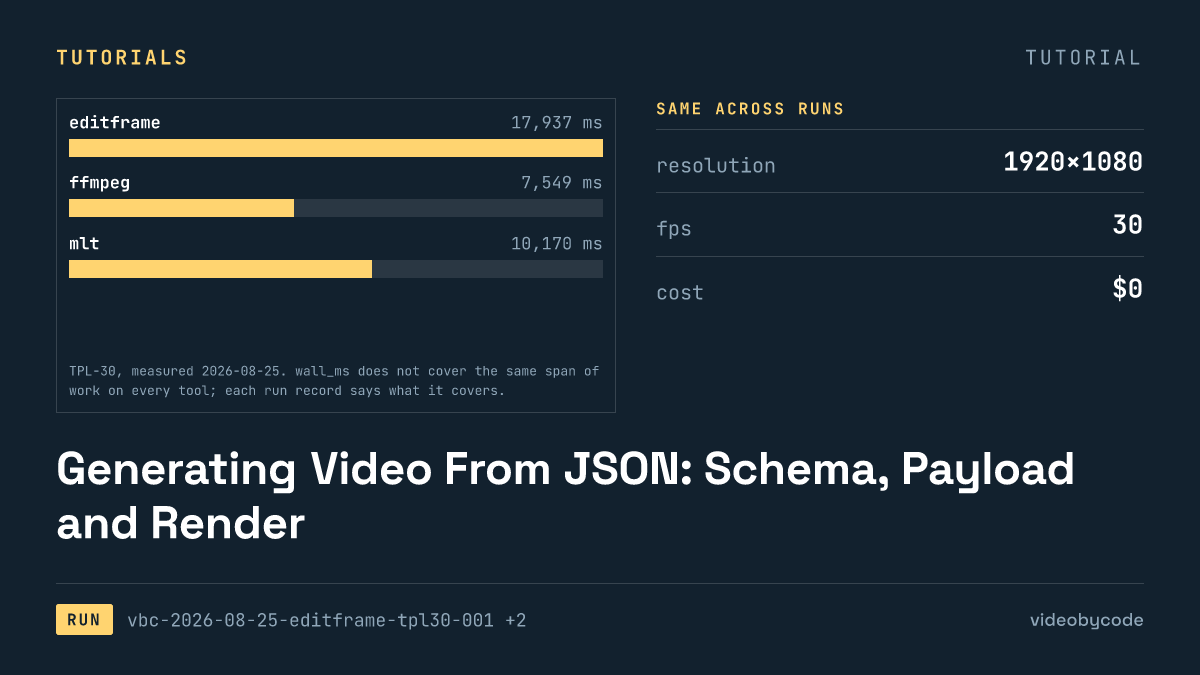
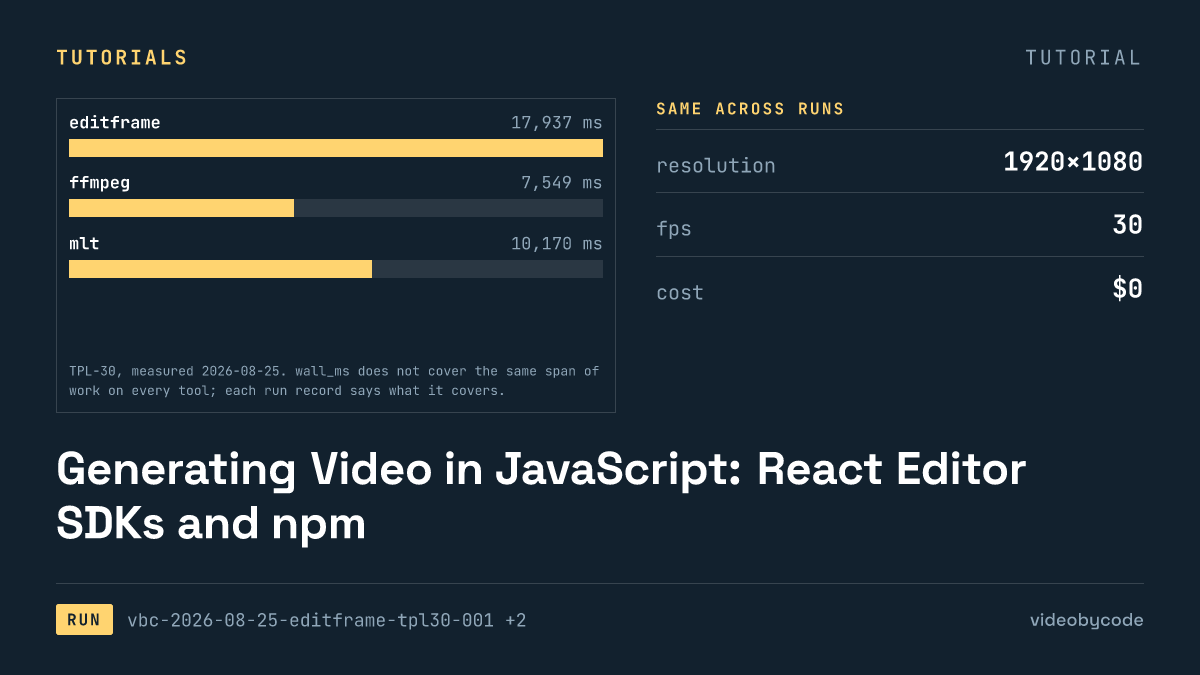
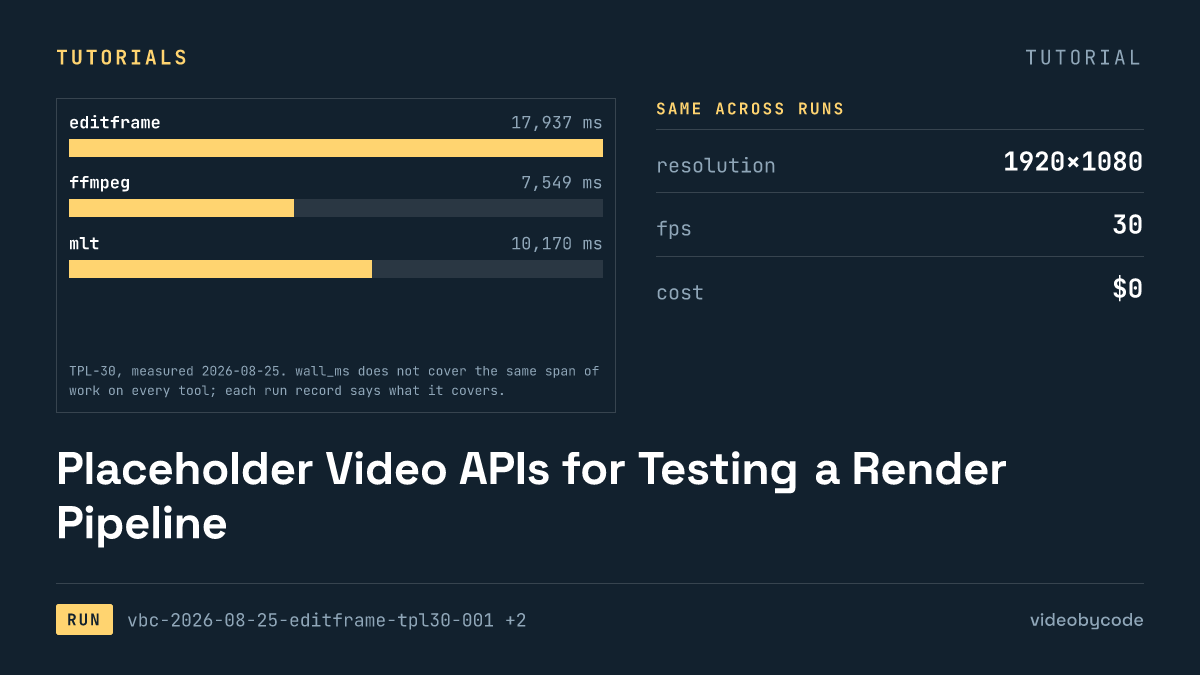
Editframe's run stands next to FFmpeg's as the two reference points for this benchmark: the FFmpeg file came out at 0.99 MB in 7.5 s, well under half of Editframe's 17.9 s, because FFmpeg never starts a bundler or a browser. The benchmark set the same target for every tool that finished: 30 s at 30 fps, crf 20, preset medium, 192 kbps AAC at 48000.
| Tool | Status | Wall time | Output | Duration |
|---|---|---|---|---|
| FFmpeg 8.0.1 | ok | 7.5 s | 0.99 MB | 30.000 s |
| MLT (melt) 7.40.0 | ok | 10.2 s | 1.02 MB | 30.016 s |
| MoviePy 2.1.2 | ok | 86.6 s | 1.01 MB | 30.000 s |
| Editframe CLI 0.59.40 | ok | 17.9 s | 1.46 MB | 30.080 s |
| Remotion 4.0.507 | ok | 18.2 s | 1.50 MB | 30.059 s |
| Revideo 0.11.0 | ok | 21.8 s | 0.60 MB | 30.000 s |
| Diffusion Studio Core 4.0.3 | unsupported | 6.4 s | 1.16 MB | 30.080 s |
| Editly 0.14.2 | error | 1.2 s | not produced | not produced |
Sourcevideobycode verification runs, TPL-30, measured 2026-08-09 and 2026-08-25
Sourcevideobycode verification runs(TPL-30, measured 2026-08-09 and 2026-08-25)
Revideo's file is the smallest of the working set despite matching everyone else on resolution and frame rate. Its AAC track came out at a lower bitrate than the 192 kbps the benchmark specifies, because its ffmpeg exporter takes only a container choice and no bitrate flag, so the encoder picked its own value. Editframe and Remotion both drive a browser end to end and land close together on wall time, but neither exposes CRF or preset controls the way FFmpeg, MoviePy and MLT do, so their bitrate is whatever the browser's WebCodecs encoder chose rather than the benchmark's crf 20. MLT is the one tool here that matched the benchmark's encoder settings exactly, passing crf, preset, pixel format and audio bitrate straight through to its avformat consumer.
Reading the table by wall time alone hides the more useful split: tools that expose encoder controls against tools that do not. FFmpeg, MoviePy and MLT all take crf, preset and bitrate as explicit settings, so a file produced by any of the three can be closely reproduced on another machine, given the same source assets and the same binary version. Editframe, Remotion and Revideo hand that decision to a browser encoder instead. Two renders of the same composition on two different Chrome builds can legally produce different file sizes at the same visual quality, and neither vendor's API offers a way to pin the bitrate down. For a team building a customer-facing render queue, that distinction outweighs the wall-time gap between the fastest and slowest tool in this table: a pipeline that needs a predictable output size per minute of video needs an exposed encoder setting, not just a working render.
Duration also carries a signal worth reading past the milliseconds. FFmpeg and MoviePy land on the exact 30 s the benchmark specifies because both compute frame counts from the same input parameters and never round. Remotion and Diffusion Studio Core both overshoot by a fraction of a second, and MLT overshoots by a smaller fraction still; none of the three overshoots is large enough to be audible against a fixed-length backing track, but a pipeline that concatenates many renders end to end, rather than playing one at a time, accumulates that drift render over render.
What breaks, and how to get past it
Editly never rendered, and the reason is a native dependency, not a spec error. Its index.js imports glTransitions.js unconditionally, whose first line imports the gl package, so even a spec that uses no transition still needs headless-gl to load. gl 5.0.3, the version Editly 0.14.2 pins, builds its bundled ANGLE from source and fails to compile against Node 25's V8 headers with twenty compile errors. We tried two fixes, and both failed. Putting a python3 shim on PATH (gyp calls python directly) got past configure but not compile. Overriding gl to 8.1.6 through a pnpm override failed at the same import line. The payload itself is complete and needs no rewrite; the fix is a Node version gl can build against, not a code change. A reader who still wants Editly in a pipeline today has one practical route past this: pin the Node runtime for that one process to a version gl was last known to build against. Run it in a separate container from the rest of a Node 25 toolchain, rather than patching the native build.
MLT has no primitive for a filled rectangle. In this benchmark, a qtblend transition crops the accent rule and the caption bar, both full-frame colour producers, and qtblend preserves the source aspect ratio unless distort=1 is set. Without that flag, the 400×6 accent rule renders as an eleven-by-six dash, and the caption bar shrinks to a fraction of its specified width, with no warning and a successful exit code.
Vite's publicDir setting governs only what the browser fetches; Revideo assembles the audio track separately in Node, and every audio asset resolves against outDir/../public/ plus its own src path, regardless of where publicDir points. Point it anywhere else and ffprobe cannot find the source file, the exporter substitutes a generated silent track, and the render finishes with a full-length AAC stream that contains nothing audible. No ffprobe check on the output alone catches this, because the stream is present and the right length.
Diffusion Studio Core fails in the mildest way of the three and the hardest to fully remove: the 6.4 s run that produced a 1.16 MB file rendered the composition correctly, frame for frame, and still failed the benchmark, because the free tier bakes a "Made with Diffusion Studio" watermark into every export. Working around the watermark is not possible on the free tier, by design. The only route past it is the vendor's paid one-time licence key; these records do not price that key, because the vendor's own pricing page returned no pricing text as of the check date.
One fix here needs no payment: the deployment failure that shows up before the watermark ever becomes the blocker. The engine refuses to start unless the page serving it sends Cross-Origin-Opener-Policy: same-origin and Cross-Origin-Embedder-Policy: credentialless. Most static hosts do not send those headers by default; adding them at the server or CDN layer, before the first render attempt, fixes it.
Editframe carries its own trap, quieter than either of those: an ef-image element with no explicit duration attribute defaults to zero, so the CLI silently never draws the image, and the render still reports every frame captured over a black picture. The fix is the same field called out in the code section above: set duration explicitly on every element rather than relying on a default.
Revideo's makeScene2D takes a scene name first and a generator function second. Passing only the generator succeeds at call time but fails much later inside the browser, with "Cannot read properties of undefined (reading 'name')," a stack trace that points nowhere near the actual mistake. Checking the argument order against the function signature, before debugging inside the generator body, catches it.
Start from payloads/tpl30/ffmpeg.sh and run it against a local FFmpeg 8.0.1 or newer before touching any browser-based tool. Check first whether that build has libfreetype: ffmpeg -filters | grep drawtext. An empty result means drawtext does not exist; pre-rasterise every text layer to a transparent PNG first, the same workaround this benchmark used. Once that single-pass script produces a readable file, swap in the MLT or Editframe payload and diff the output against it.
What we didn't test
- The test ran only TPL-30; no other benchmark exists in these records, so nothing here speaks to longer timelines or more scenes.
- Every run encodes h264; none varied the codec, so no comparison covers h265, VP9 or AV1 output.
- One render per tool ran on one machine; the runs did not measure batch throughput, concurrency or queue behaviour under load.
- No run covers burning captions into an existing video track rather than compositing pre-rendered text.
- Resizing or reframing a source video to a different aspect ratio falls outside this benchmark too.
Questions people ask
How long does a TPL-30 render actually take, and on what machine?
On the runs recorded here, all on an arm64 machine with Homebrew ffmpeg 8.0.1_4, Node v25.6.1 and Python 3.14.3, the fastest working render was FFmpeg at 7.5 s and the slowest working render was MoviePy at 86.6 s. Browser-driven tools such as Remotion and Revideo land in between, because their wall time includes a bundler start and a Chrome launch, not just an encode.
Why are Diffusion Studio Core's prices marked unverified?
The vendor's own pricing page redirects to the site root and returns no pricing text, checked 2026-08-25, so the page yields no licence-key figure. The free-tier terms come from the project's README instead, which is a documented source but not a price.
What does Diffusion Studio Core's free tier cover, and where does it stop?
The engine renders at any volume with no account and no network call, and the run recorded here finished with status unsupported because every free render carries a vendor watermark baked into the frame. Removing it requires a one-time paid licence key that the library checks locally against a bundled public key.
References
Ref Diffusion Studio Core README (Pricing) (checked 2026-08-25)
Ref Editframe pricing (checked 2026-08-09)
Ref Editly LICENSE (checked 2026-08-25)
Ref FFmpeg legal (checked 2026-08-09)
Ref MLT Framework COPYING (checked 2026-08-25)
Ref MoviePy repository (checked 2026-08-09)
Ref Remotion LICENSE (checked 2026-08-09)
Ref Revideo LICENSE (checked 2026-08-25)
Related articles
Automating Video Editing With Python: MoviePy and FFmpeg
FFmpeg and MoviePy render the same 1920×1080 TPL-30 template; the code, exact versions, and measured render time and output size are given below.
How to Create Video With Code: A Working Pipeline End to End
Editframe, FFmpeg, MoviePy and Remotion render the same TPL-30 template; render time, output size and cost are compared with linked evidence, not vendor claims.
FFmpeg as a Video API: Encoding, Batch Jobs and Audio
FFmpeg's TPL-30 benchmark shows the exact script, versions and encode settings behind a scripted H.264 render, plus where drawtext and concat filters break.
Generating Video From JSON: Schema, Payload and Render
Eight rendering tools ran the same JSON scene payload; this compares what rendered, what failed, and what each tool costs to run in production.
Generating Video in JavaScript: React Editor SDKs and npm
Editframe, Remotion, and Revideo rendered the same Node.js video benchmark; Diffusion Studio Core watermarked its output and Editly failed to import.
Placeholder Video APIs for Testing a Render Pipeline
Eight video rendering tools run the same TPL-30 payload end to end: one free tier adds a watermark, one fails to import, and none share a cost basis.