Open-Source Video Automation Repos on GitHub, Run and Measured
Of eight video tools, seven of them open source, run against the TPL-30 template, five produced a working file, one attached a vendor watermark on its free tier, and one failed to install on the current Node runtime.
The shortest path that works
Five of eight video tools (seven open source, plus the proprietary Editframe) tested against TPL-30 produced a working file; one added a vendor watermark on its free tier, and one failed to install on the current Node runtime. A search for "video api github" turns up two different kinds of repositories behind that count: hosted rendering services that ship an open CLI or SDK, and libraries that render entirely on the machine that runs them. This run pulled all eight from public GitHub repos and measured wall time against one fixed payload, TPL-30, a template fill with a title card, a captioned still image and an outro, encoded at 1920×1080 and 30 fps.
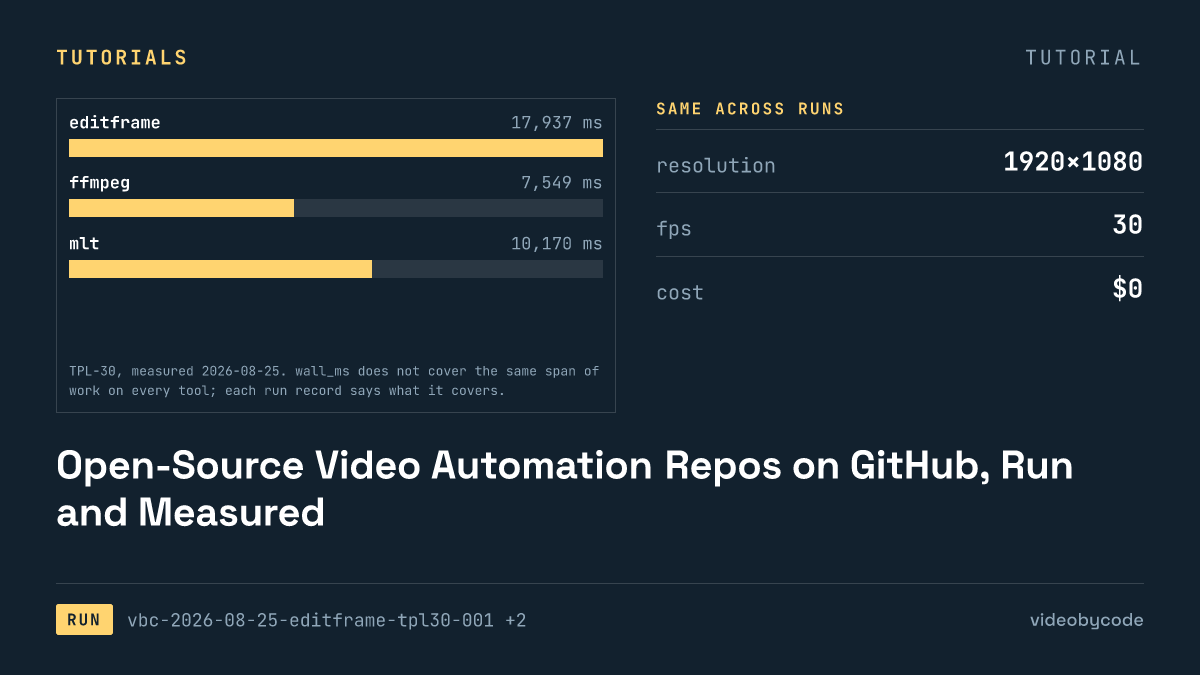
The Editframe CLI produced one without an account, an API key or a cloud call. Its free tier renders locally through a bundled Chrome instance, and the run finished in 17.9 s, writing a 1.46 MB MP4 with a measured duration of 30.080 s. That is close to the least setup of anything tested here: install the CLI, point it at local image and audio files, run it, and get back an h264+aac file matching the target resolution and frame rate.
FFmpeg gets there faster and needs less installed: no Node, no Vite dev server, no browser. The bare ffmpeg run finished in 7.5 s, the fastest of any tool that produced a real, unwatermarked file. FFmpeg's route is also the only one that hand-writes the filter graph directly instead of generating it from a composition file. That runs faster, and it takes longer to write for anyone who has not built an ffmpeg filter chain before.
This is not the same question as which tool is fastest overall. Diffusion Studio Core finished in 6.4 s, ahead of both, but the file it wrote is not usable; the third section below covers why. None of the eight repos here are text-to-video generators in the AI-avatar sense either. Searches for "text to video api github" or "video generator api github" mostly surface model-hosting wrappers built around a prompt, not renderers built around a payload, and none of those were in scope for this run: every tool tested composes a file from the inputs it receives, not text it has to invent.
Licence shapes which of these can go into a paid product without a legal read first. FFmpeg carries LGPL v2.1 or later with some GPL components, MLT is LGPL v2.1, and MoviePy, Editly and Revideo's renderer are all MIT; none of the five self-hosted tools here require anything beyond keeping their notices intact. Remotion's terms are narrower: free for individuals and for companies of three employees or fewer, and companies above that headcount need a paid licence. This run did not test any of that licence text; it comes from each repo's own LICENSE file, linked in the references below.
Versions and prerequisites
This benchmark pins each run to its own toolchain, and two of the eight tools failed for reasons that trace directly to that pin. The measuring machine runs Node v25.6.1 and an arm64 build of Homebrew ffmpeg 8.0.1_4 compiled without libfreetype, which is why none of the eight payloads call ffmpeg's drawtext filter: the benchmark pre-rasterises TPL-30's three text strings once into transparent PNGs, and every tool composites the same images.
| Tool | Version | Runtime |
|---|---|---|
| FFmpeg | 8.0.1 (Homebrew, arm64) | libx264, aac, no libfreetype |
| MLT (melt) | 7.40.0 | libavformat 63.1.101 |
| MoviePy | dist 2.2.1 / __version__ 2.1.2 | Python 3.14.3, NumPy 2.5.1, Pillow 11.3.0 |
| Remotion | 4.0.507 | @remotion/cli 4.0.507, Node v25.6.1 |
| Editframe | @editframe/cli 0.59.40 | @editframe/elements 0.59.40, Vite 8.2.2, Node v25.6.1, Chrome 152.0.7977.55 |
| Revideo | @revideo/renderer 0.11.0 | @revideo/core 0.11.0, bundled ffmpeg 4.4, Chrome for Testing 152.0.7977.42 |
| Diffusion Studio Core | @diffusionstudio/core 4.0.3 | puppeteer-core 25.8.0, Vite 8.2.2, Chrome 152.0.7977.55 |
| Editly | 0.14.2 | gl ^5.0.3 and canvas ^2.9.3 pinned, neither installed |
Sourcetool_version field recorded on each run, videobycode verification runs
FFmpeg, MLT and MoviePy render without a browser. FFmpeg is a single shell script calling one binary. MLT's melt CLI reads an XML timeline that a small Node script builds. MoviePy imports the system ffmpeg through FFMPEG_BINARY rather than the copy bundled inside imageio-ffmpeg, so its encoder settings match the ffmpeg run exactly. The remaining four, Editframe, Remotion, Revideo and Diffusion Studio Core, all launch a real or headless Chrome through Puppeteer or Playwright, bundle a Vite dev server, and capture frames from a page before encoding. Their wall time includes that browser startup and page-capture cost, not just the encode, so none of those four figures compare directly to the FFmpeg, MLT or MoviePy row without saying so.
Searches for "video editor api github" or "video editor sdk github" usually expect a hosted service with a thin client on top of it. Editframe and Diffusion Studio Core are the two tested here that fit that shape most closely, one gated by wall time and browser dependencies, the other gated by a watermark. Anyone searching "video automation github" or "programmatic video editing github" for something to call from a script, not a GUI, gets the same shortlist from this run either way: the five tools that produced a working file all take a JSON, XML or code description of the scene, with no manual step in between.
Editly is the prerequisite failure worth naming for anyone expecting a Node library to just import. Editly 0.14.2 pins gl@^5.0.3. It imports gl's native module unconditionally at module load, even for a spec that uses no GL transition. gl 5.0.3 builds its bundled ANGLE from source through NAN. That build fails against Node 25's V8 headers with a chain of compile errors. Swapping in gl 8.1.6 through a pnpm override reproduces the failure at the same point, so the pin itself is not the cause. A Node runtime old enough for gl to build against is the prerequisite this row is missing; editly's own installation instructions do not state it.
None of the eight payloads call a text-rendering API. The benchmark pre-rasterises the title, overlay and outro strings into PNGs once, and every tool composites the same images, so no run's wall time includes font loading or text shaping.
The code that produced the output
Editframe's payload builds TPL-30's three scenes as a composition tree rather than a filter graph, placing layers with explicit start and duration values through the @editframe/elements API. The file that ran is quoted below, unedited.
/**
 * BM-1 (TPL-30) as an Editframe composition.
 *
 * This is the payload, not the runner. tools/editframe/run.mjs drives
 * `editframe render` over this directory, times it, and measures the result.
 *
 * Every layout number is read from ../bm1.json rather than typed here, for the
 * same reason the ffmpeg, MoviePy and Remotion payloads read it: four
 * transcriptions of one benchmark are only comparable if they cannot drift apart.
 *
 * The text is composited from the same pre-rasterised PNGs the other payloads use
 * (bm1.json -> text_rendering), so no web font is loaded and no text shaping
 * happens inside the measured render.
 *
 * Assets resolve through Vite's publicDir, which tools/editframe/vite.config.mjs
 * points at ../_assets — the same directory every other payload reads. A bare
 * filename is therefore served at the site root, exactly as Remotion's
 * --public-dir=../_assets does.
 */

import '@editframe/elements';
import spec from '../bm1.json';

const V = spec.video;
const PAL = spec.palette;

const sceneById = (id) => spec.scenes.find((s) => s.id === id);
const title = sceneById('title');
const body = sceneById('body');
const outro = sceneById('outro');

/** "_assets/text-title.png" -> "/text-title.png" (served from publicDir). */
const asset = (p) => `/${String(p).replace(/^_assets\//, '')}`;

const seconds = (from, to) => `${to - from}s`;

/**
 * An ef-image has no natural duration, so it defaults to 0 and never becomes
 * active. Editframe calls this the editorial choice: a still has to be told how
 * long it is on screen. Each image is given its own scene's length.
 */
const imageDuration = (scene) => seconds(scene.start_s, scene.end_s);

const FILL = 'position:absolute;left:0;top:0;width:100%;height:100%;';
const SCENE = `${FILL}`;

const rule = title.accent_rule;
const bar = body.bar;

document.getElementById('stage').innerHTML = `
  <ef-timegroup
    id="root"
    mode="contain"
    fps="${V.fps}"
    style="position:relative;display:block;width:${V.width}px;height:${V.height}px;background:${PAL.background};overflow:hidden"
  >
    <ef-timegroup mode="sequence" style="${FILL}">

      <!-- Scene 1 — title card -->
      <ef-timegroup mode="fixed" duration="${seconds(title.start_s, title.end_s)}"
        style="${SCENE}background:${title.background};">
        <div style="position:absolute;left:${rule.x}px;top:${rule.y}px;width:${rule.w}px;height:${rule.h}px;background:${rule.color};"></div>
        <ef-image src="${asset(title.text_png)}" duration="${imageDuration(title)}" style="${FILL}object-fit:contain;"></ef-image>
      </ef-timegroup>

      <!-- Scene 2 — still image, caption bar, caption -->
      <ef-timegroup mode="fixed" duration="${seconds(body.start_s, body.end_s)}" style="${SCENE}">
        <ef-image src="${asset(body.image)}" duration="${imageDuration(body)}" style="${FILL}object-fit:${body.image_fit};"></ef-image>
        <div style="position:absolute;left:${bar.x}px;top:${bar.y}px;width:${bar.w}px;height:${bar.h}px;background:${bar.color};opacity:${bar.opacity};"></div>
        <ef-image src="${asset(body.text_png)}" duration="${imageDuration(body)}" style="${FILL}object-fit:contain;"></ef-image>
      </ef-timegroup>

      <!-- Scene 3 — outro -->
      <ef-timegroup mode="fixed" duration="${seconds(outro.start_s, outro.end_s)}"
        style="${SCENE}background:${outro.background};">
        <ef-image src="${asset(outro.text_png)}" duration="${imageDuration(outro)}" style="${FILL}object-fit:contain;"></ef-image>
      </ef-timegroup>

    </ef-timegroup>

    <!-- The music bed is a sibling of the sequence, never a child of it: a
         sequence would treat it as one more beat and double the runtime. -->
    <ef-audio src="${asset(spec.audio.file)}" volume="1" duration="${V.duration_s}s" offset="${spec.audio.start_s}"></ef-audio>
  </ef-timegroup>
`;
The composition uses an image element for the still and the three pre-rasterised text PNGs, a rect element for the two flat backgrounds and the caption bar, and sets each layer's start and duration to match TPL-30's three scene boundaries at 0 s, 5 s and 25 s. One property in this API is easy to miss: an image element with no explicit duration attribute defaults to zero and silently never draws, though the render still exits clean. A still image missing that one attribute produces a black frame in its place rather than an error, which is the failure mode to check for first when adapting this payload, ahead of anything involving codecs or fonts.
What the run produced
Runs marked ok all produced a file matching the benchmark's target resolution and frame rate; duration and size are where the tools start to diverge from the target and from each other. A search for "video render github" usually wants one number: how long the render took, and on what it ran. Editframe's file plays at 30.080 s against a 30 s target, weighs 1.46 MB on disk, and took 17.9 s to produce. FFmpeg's file is the smallest of the tools that pass through the benchmark's own crf=20 setting: 0.99 MB at 30.000 s, in 7.5 s.
| Tool | Status | Wall time | Output size | Duration |
|---|---|---|---|---|
| FFmpeg 8.0.1 | ok | 7.5 s | 0.99 MB | 30.000 s |
| MLT 7.40.0 (melt) | ok | 10.2 s | 1.02 MB | 30.016 s |
| Editframe CLI 0.59.40 | ok | 17.9 s | 1.46 MB | 30.080 s |
| Remotion 4.0.507 | ok | 18.2 s | 1.50 MB | 30.059 s |
| Revideo 0.11.0 | ok | 21.8 s | 0.60 MB | 30.000 s |
| MoviePy 2.1.2 | ok | 86.6 s | 1.01 MB | 30.000 s |
| Diffusion Studio Core 4.0.3 | unsupported | 6.4 s | 1.16 MB | 30.080 s |
| Editly 0.14.2 | error | 1.2 s | not produced | not produced |
Sourcevideobycode verification runs, TPL-30 payload set, measured 2026-08-09 and 2026-08-25
Size does not track wall time in this set. Revideo's file is the smallest of every tool that finished, at 0.60 MB, despite the third-longest wall time of 21.8 s. Its ffmpeg exporter exposes only a format choice, not a bitrate, and picked its own values for both streams. The audio track alone lands below the benchmark's 192 kbps target, and the exporter has no setting to raise it back to that figure. MoviePy sits at the other end: 86.6 s against a target codec and CRF that match ffmpeg's exactly, because MoviePy composites every frame in a Python loop and streams raw pixels to ffmpeg rather than describing the composition to ffmpeg's own filter graph.
MLT lands in between, finishing in 10.2 s with a file at 1.02 MB and a duration of 30.016 s, close enough to 30 s to call correct. Remotion's file, at 1.50 MB and 30.059 s, took 18.2 s, the second-slowest tool that produced a usable file. The reason matches Editframe and Revideo: a webpack bundle, a headless Chromium launch and nine hundred frame captures sit inside that number, not just an encode.
Production cost past the free renders measured here diverges sharply between one tool and the rest. Editframe's own paid tiers, linked from its pricing page and checked 2026-08-09, start at $49 per month for Team and reach $99 per month for Cloud, once render volume or queueing outgrows the free, local-only CLI measured here. The other tools in this run have no paid tier to grow into at all: FFmpeg, MLT, MoviePy, Editly and Revideo's renderer price at $0, and Remotion is free under its own three-employee limit rather than priced at any tier.
What breaks, and how to get past it
Two of the eight runs did not produce a usable file, and each failed a different way. Diffusion Studio Core's engine rendered the payload correctly and encoded it in 6.4 s, but the free tier stamps a "Made with Diffusion Studio" watermark on every render; removing it needs a paid one-time licence key, and the library states the terms on load, not only in its docs. The log for that run shows status unsupported rather than ok: the file exists and plays at 30.080 s, but it is not the benchmark's output. There is no free path to an unwatermarked file from it, and the vendor's own pricing page for that key redirects to the site root rather than showing a figure, as the FAQ below covers.
Editly never got as far as a render. The status reads error: the run fails during import rather than during encode, because Editly imports gl (headless-gl) unconditionally at module load, and its native build does not compile against Node 25's headers. The workaround is a Node runtime old enough for gl to build against; nothing in this payload, which reads its scene data from the same source every other tool reads, needs to change once that runtime exists. Editly composites in Node and shells out to ffmpeg with customOutputArgs, so on a working Node version it would sit next to the FFmpeg, MoviePy and MLT rows rather than the browser-based ones.
The two failures above are installation problems, caught at the command line before a file exists. Three more runs exit clean but do not produce what TPL-30 actually specifies, and those are worse, because nothing in the exit code flags them. MLT has no primitive for a filled rectangle: both of TPL-30's rectangles are cropped colour producers, and the qtblend transition doing the cropping preserves the source aspect ratio unless the payload sets distort=1 explicitly. Skip that flag and the caption bar renders as a small aspect-correct block instead, with a successful exit and no warning in the log. Editframe carries a matching failure on the opposite kind of layer, described above: an image element missing its duration attribute silently never draws, and the CLI still reports every frame captured. Revideo compounds a routing mistake into a false pass. Its publicDir setting governs only what the browser fetches; Node assembles the audio track separately, resolving every audio asset by joining outDir with a relative public folder and the element's own source path, and publicDir plays no part in that calculation. Point audio anywhere else and the exporter falls back to a generated silent track rather than failing, so a full-length file with an empty AAC stream comes out the other end and no ffprobe check catches it.
Rendering the representative frame at frame 450 and looking at it directly catches the MLT and Editframe failures above; the Revideo one only shows up in the audio track, which a frame grab does not cover.
Start from the FFmpeg payload (ffmpeg.sh) for a bare, dependency-free render pipeline, or from the Editframe payload (main.js) if a composition-file API is worth trading for Chrome as a dependency. Either way, run the payload against local copies of TPL-30's five input files first, before touching scene timings, and check the representative frame at 450 by eye, not just the exit code, for the silent-layer bugs recorded above. Editly is not a working starting point on a current Node install; do not budget time against it until a compatible runtime exists.
What we didn't test
All figures above come from one benchmark, TPL-30, run once per tool on one machine; no other benchmark exists in these records. Every run encodes h264: this run did not vary codec choice, such as h265 or VP9, and none of these numbers speak to it. Each tool rendered exactly once, too. This run did not measure batch throughput, concurrent renders or queue behavior under load, and nothing here predicts how any of these eight tools behaves rendering ten files at once instead of one. None of the eight payloads burn captions into video, add a watermark of their own, or extract a thumbnail; Diffusion Studio Core's watermark is vendor-applied, not a feature under test.
Questions people ask
How long did the recorded TPL-30 render take, and on what machine?
Times range from 7.5 s for the fastest working render, FFmpeg, to 86.6 s for the slowest, MoviePy, both on the same arm64 machine running Homebrew ffmpeg 8.0.1_4. Every other ok run in the table falls between those two figures.
Why are Diffusion Studio Core's licence key prices shown as unverified?
The vendor's own pricing page for the paid licence key, https://www.diffusion.studio/core-rendering-engine#pricing, 301-redirects to the site root and served no pricing text as of the check on 2026-08-25. Its README documents that a key removes the watermark but does not state a price, so none is asserted here.
What does Diffusion Studio Core's free tier actually cover, and where does it stop?
The engine renders locally at any volume with no account, no licence server and no network call, and the recorded run finished in 6.4 s. The free tier stops at the output file: every render carries a "Made with Diffusion Studio" watermark until a paid one-time key removes it.
Sourcevideobycode verification runs(measured 2026-08-09 and 2026-08-25)
References
Ref Editframe pricing (checked 2026-08-09)
Ref Diffusion Studio Core README (checked 2026-08-25)
Ref Diffusion Studio Core pricing page (checked 2026-08-25, redirects to site root, no price text)
Ref Editly LICENSE (checked 2026-08-25)
Ref FFmpeg legal (checked 2026-08-09)
Ref MLT Framework COPYING (checked 2026-08-25)
Ref MoviePy repository (checked 2026-08-09)
Ref Remotion LICENSE (checked 2026-08-09)
Ref Revideo LICENSE (checked 2026-08-25)
Related articles
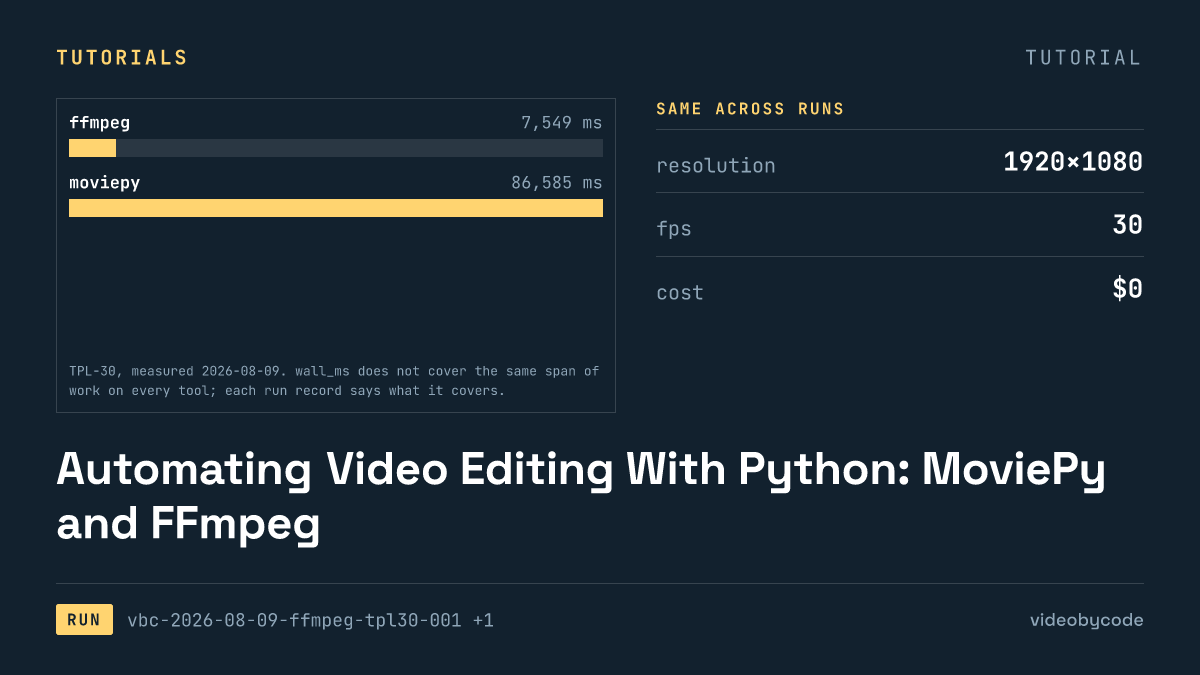
Automating Video Editing With Python: MoviePy and FFmpeg
FFmpeg and MoviePy render the same 1920×1080 TPL-30 template; the code, exact versions, and measured render time and output size are given below.
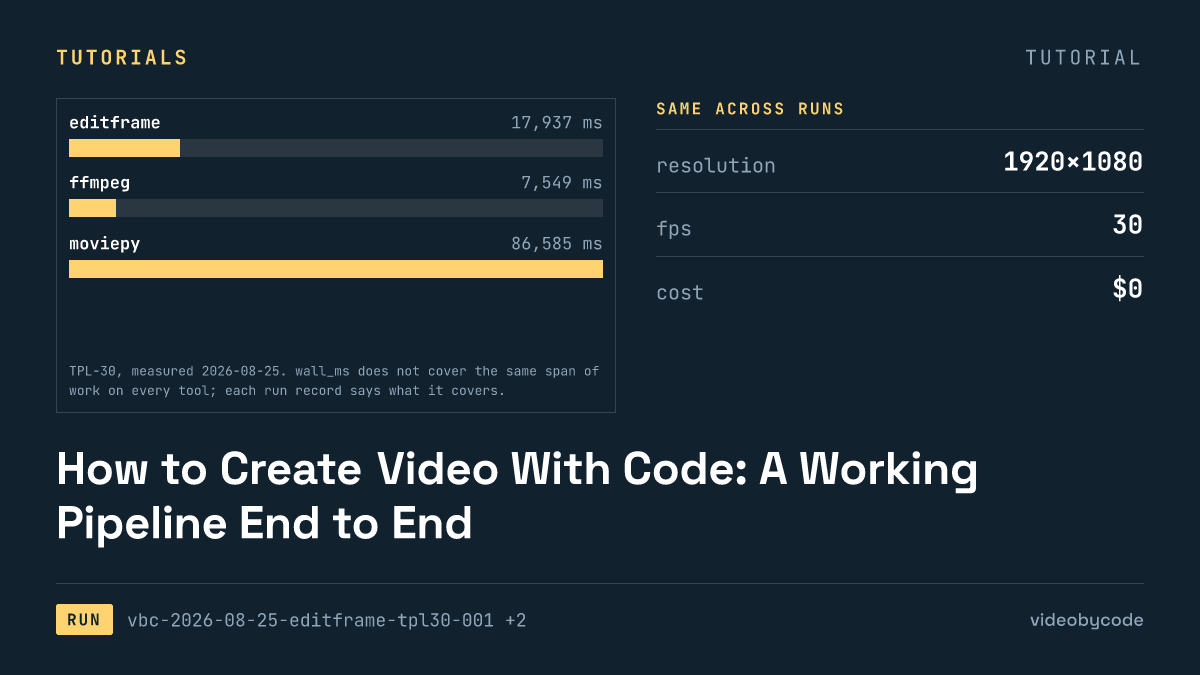
How to Create Video With Code: A Working Pipeline End to End
Editframe, FFmpeg, MoviePy and Remotion render the same TPL-30 template; render time, output size and cost are compared with linked evidence, not vendor claims.
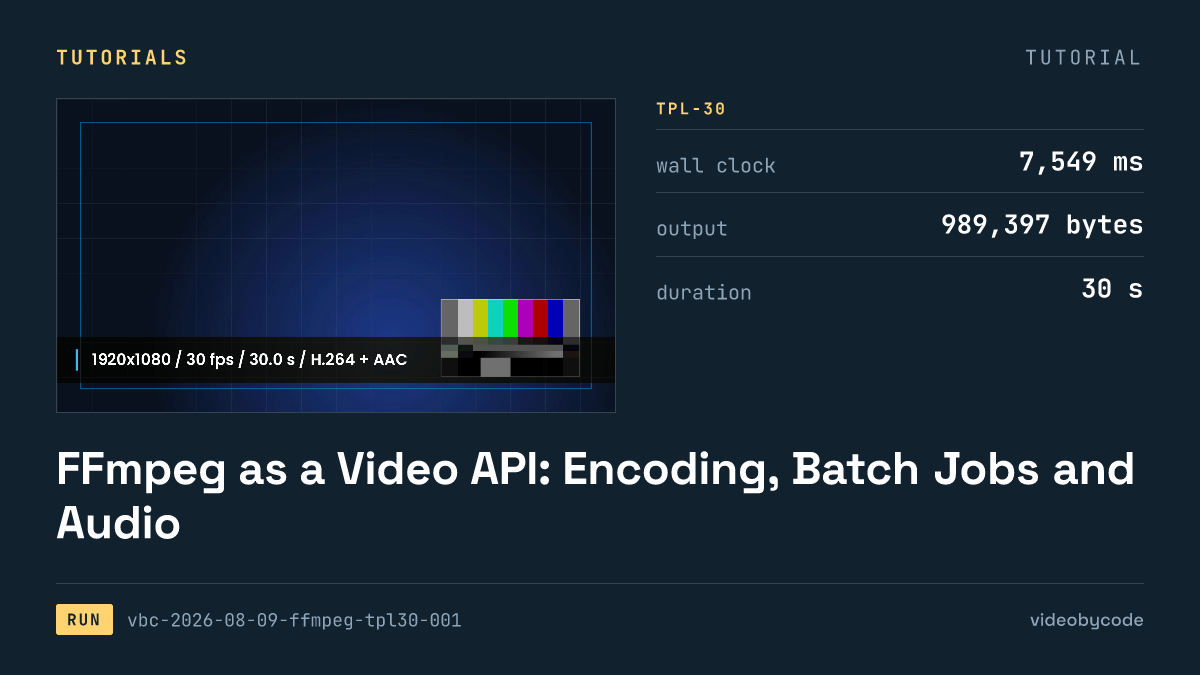
FFmpeg as a Video API: Encoding, Batch Jobs and Audio
FFmpeg's TPL-30 benchmark shows the exact script, versions and encode settings behind a scripted H.264 render, plus where drawtext and concat filters break.
Open-Source Video Editing APIs and SDKs, Installed and Tested
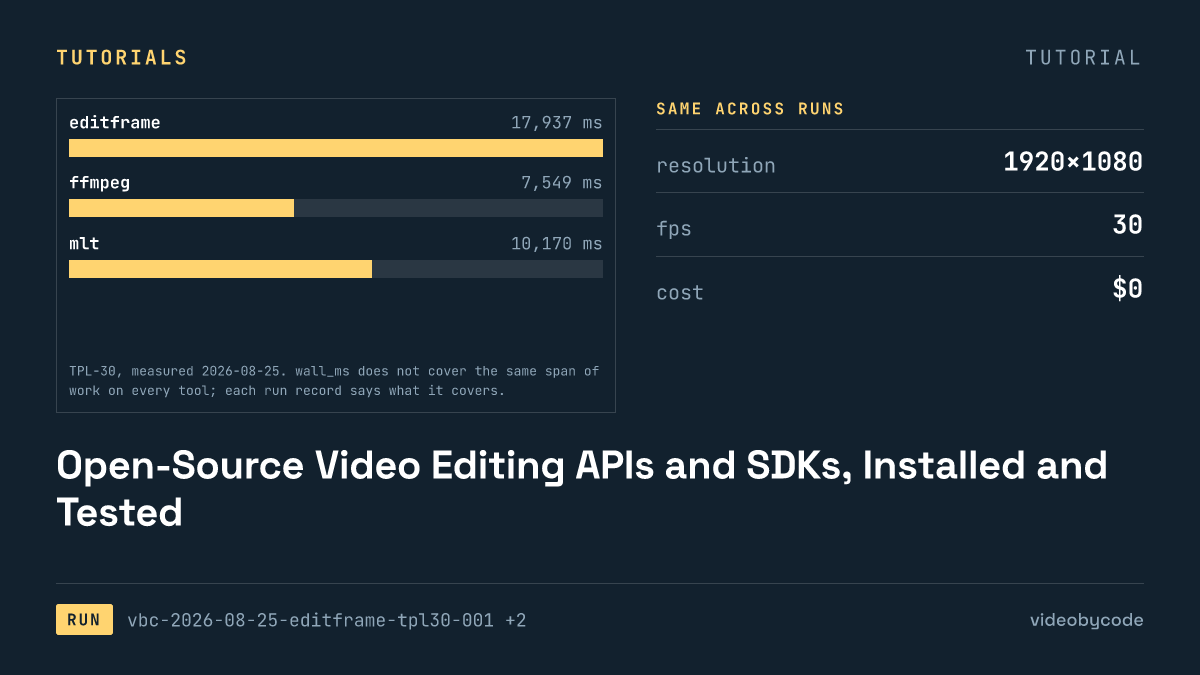
The test installed eight video editing APIs and SDKs, seven of them open source, and rendered each against one fixed benchmark, logging wall time and file size.
Generating Video From JSON: Schema, Payload and Render
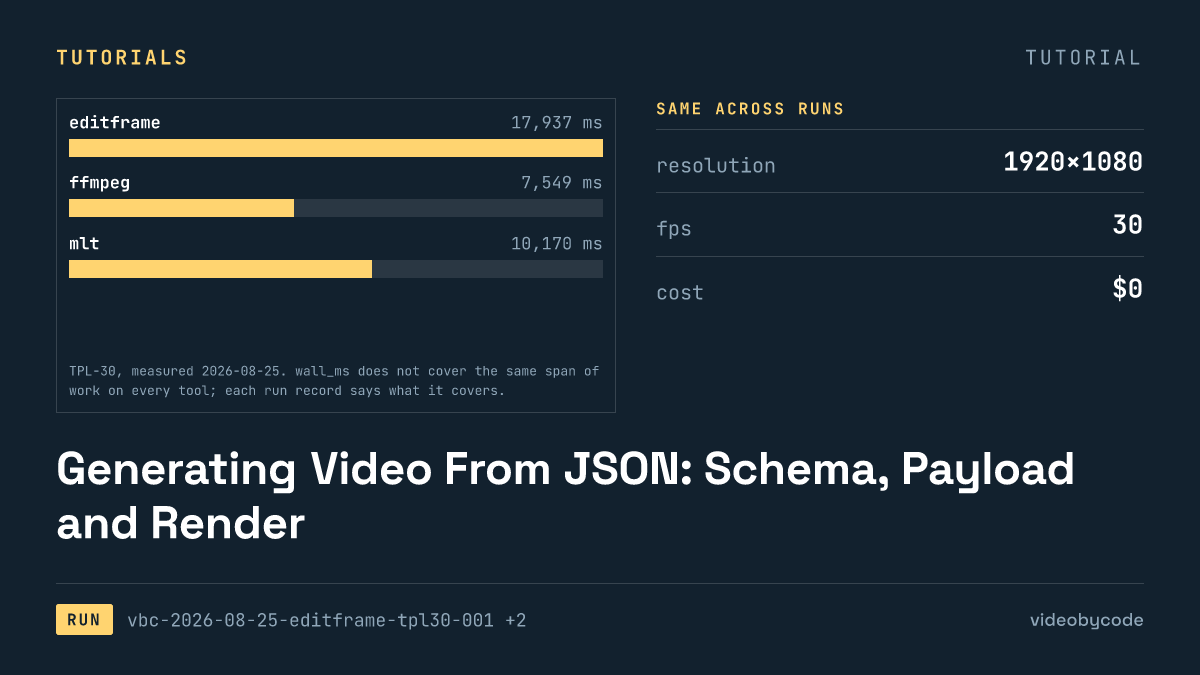
Eight rendering tools ran the same JSON scene payload; this compares what rendered, what failed, and what each tool costs to run in production.
Generating Video in JavaScript: React Editor SDKs and npm
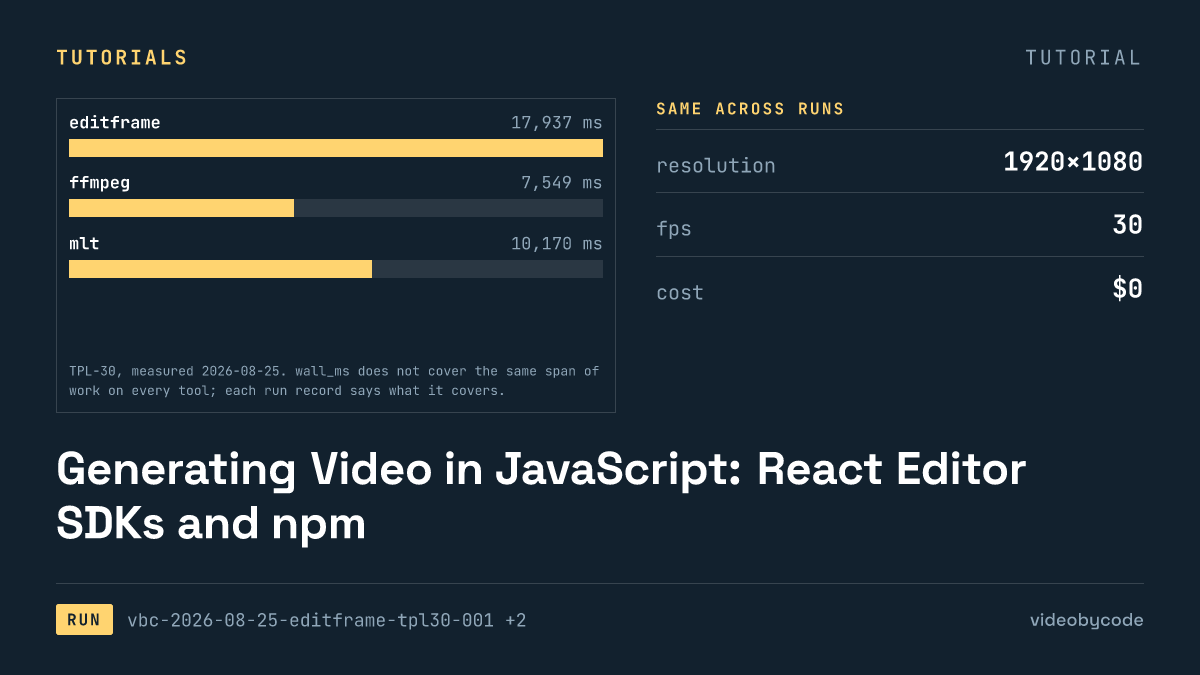
Editframe, Remotion, and Revideo rendered the same Node.js video benchmark; Diffusion Studio Core watermarked its output and Editly failed to import.